
UK guide
Booking page test plan
How to test your booking page before you share it
A booking page that works for the easy customer can still fail on the awkward one: the address just outside your area, the visit squeezed before a long drive, the customer who needs to move it. This guide is a test plan of twelve bookings to try yourself, as a customer would, before you share the link. It's written for any online booking tool, with notes on where CalMov does the check for you.
Quick answer
Before you share a booking page, book through it yourself in a private browser window, on your phone, at least twelve times: your nearest and furthest customers, an address outside your area, the first and last times of the day, a day you're off, a time straight after another job, with and without paying online, and then move and cancel one. Each test passes only if the page offers what you would have agreed to by phone. Cancel the test bookings afterwards.
Why test as a customer
Settings pages tell you what you asked for. Only a booking tells you what customers get. The gap between the two is where mobile businesses get caught: a time you can't drive to, a service that looks shorter than it is, a deposit nobody mentioned.
Test from outside your own account. Open the booking link in a private or incognito window, so you aren't signed in, and do it on a phone, because that's where most customers book. Use a real address each time.
Before you start
Ten minutes of preparation makes the tests mean something.
- Put two real bookings, or two test ones, in next week's diary, a few miles apart, so there's something to book around.
- Add one day off next week.
- Write down three addresses: one near your base, one at the edge of your area and one just outside it.
- Use an email address you can open, so you see what customers are sent.
- Test bookings are real bookings. Use a card you can refund, and cancel each one when you've finished.
The twelve tests
Work down the list and mark each pass or fail. A pass means the page did what you would have done by phone. The download has the same list with a column for notes.
| Test | What to do | It passes when |
|---|---|---|
| 1. Nearest customer | Book any service at the address near your base | Times are offered across the day, with no travel charge |
| 2. Edge of your area | Book at the furthest address you'd accept | Fewer times are offered, and any travel charge is shown before you confirm |
| 3. Outside your area | Enter the address just outside it | The page says so clearly and tells the customer what to do next |
| 4. Straight after a job | Look at the times just after an existing booking, from a far address | The first time offered leaves room for the drive |
| 5. Straight before a job | Look at the times just before an existing booking | No time is offered that would make you late for the next visit |
| 6. First and last times | Check the earliest and latest times on a clear day | You could reach the first from home, and the last finishes inside your hours |
| 7. Your day off | Choose the day you blocked | No times are offered |
| 8. Short notice | Try to book for an hour from now | Nothing is offered sooner than the notice you need |
| 9. Your longest service | Book it, with any add-ons | The length and price shown are right, and it isn't offered where it won't fit |
| 10. Paying | Book once paying online and once paying later, or with a deposit | The amounts are right, and what's due at the appointment is stated |
| 11. The emails | Read the confirmation you're sent, and the alert you get as the business | Date, time, address and price are right, and the links work |
| 12. Changing it | Move one booking and cancel another from the customer's email | Only times that fit are offered, and any refund matches your policy |
The three tests that matter most on wheels
Tests 3, 4 and 5 are the ones a salon never needs. Do them carefully.
For test 4, pick a far address and look at the first time offered after your existing booking. Work the sum yourself: the booking ends at 11:00, the drive is 25 minutes, so nothing before 11:25 should appear. If 11:00 or 11:15 is offered, the tool is spacing appointments by the clock, not the journey.
Test 5 is the same check backwards, and it's the one most often missed. A new booking before an existing one has to end early enough to drive to it. A page can pass test 4 and fail test 5.
When a test fails
A fail is a setting, not a disaster. Change one thing, then run that test again before moving on, so you know which change fixed it.
- Times you can't reach: check the travel gap or drive-time setting, and that your base address is right.
- Too few times: look for a gap or notice period that's larger than you need, or working hours that end too early.
- Wrong length or price: check the service, its setup and packing-away time, and any add-ons.
- No message outside your area: add the wording and a contact for those customers.
- A refund that surprises you: read your cancellation settings as a customer would.
After the tests
Cancel every test booking and refund any payment, so your diary and your reports start clean. Then ask one person who doesn't know the business to book for real while you watch, without helping. Where they hesitate is where your wording needs work.
Run tests 3, 4, 5 and 12 again whenever you change your area, hours, travel settings or policy.
How CalMov helps with the plan
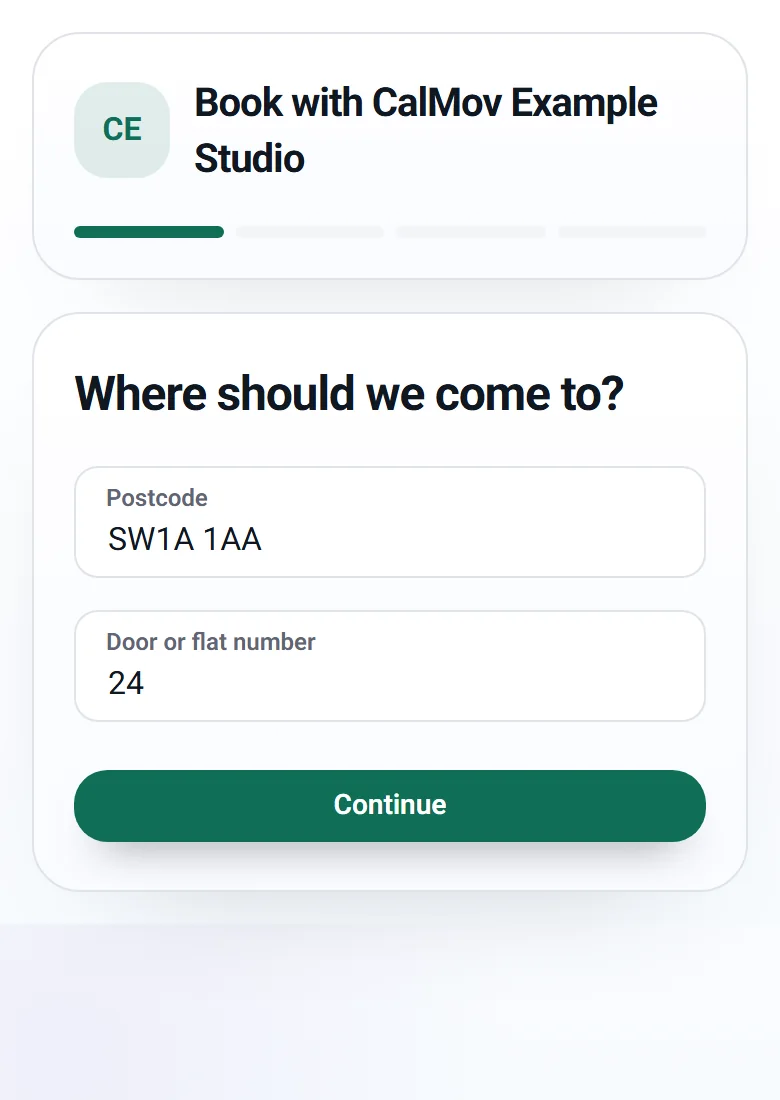
CalMov asks for the customer's address first and only offers times you can reach, allowing for the journey before and after each visit, so tests 4 and 5 are checks it makes on every booking. On Lite it leaves the fixed gap you set; on Plus it works out each drive with expected traffic and can turn away addresses beyond your maximum distance.
Open booking page in the dashboard menu shows your page as customers see it. The bookings you make there are real, so cancel them from the calendar afterwards; cancelling as the business refunds anything paid in full.
Frequently asked questions
How long does testing a booking page take?
About an hour for all twelve tests, including reading the emails. Most of that is the first run; repeating a failed test after a change takes a few minutes.
Do test bookings count as real bookings?
Yes, in any tool where you book through the live page. They hold the time, send the emails and take the payment. Cancel them and refund the payment when you've finished.
Should I test on a phone or a computer?
A phone first, in a private window, because that's how most customers will book. Then check once on a computer, and once inside your website if the booking page is embedded there.
Which test catches the most problems for mobile businesses?
The time straight before an existing booking. Many tools space appointments after a job but don't check that a new one ends early enough to drive to the next.
How CalMov helps
CalMov combines service duration, working availability and customer location to help mobile businesses offer bookable times that allow for the surrounding journeys.
See how CalMov checks the drive before and after each booking